If you’re looking for a reliable, long-lasting, and high-performance USB extension cable, the AINOPE USB 3.0 Extension Cable stands out as one of the most solid options available. After testing it with several devices—from webcams to external hard drives—the overall experience has been consistently smooth, stable, and convenient.
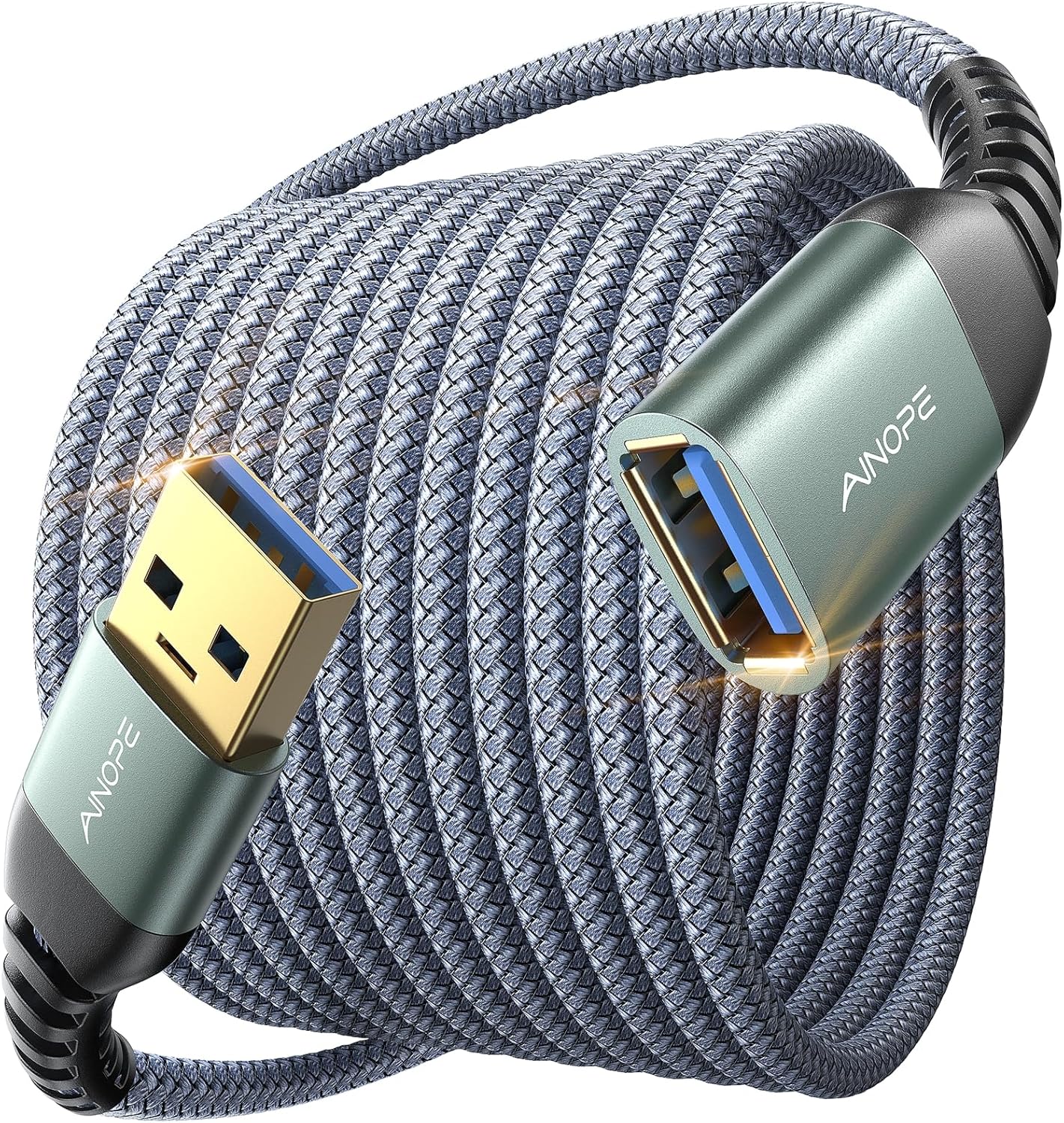
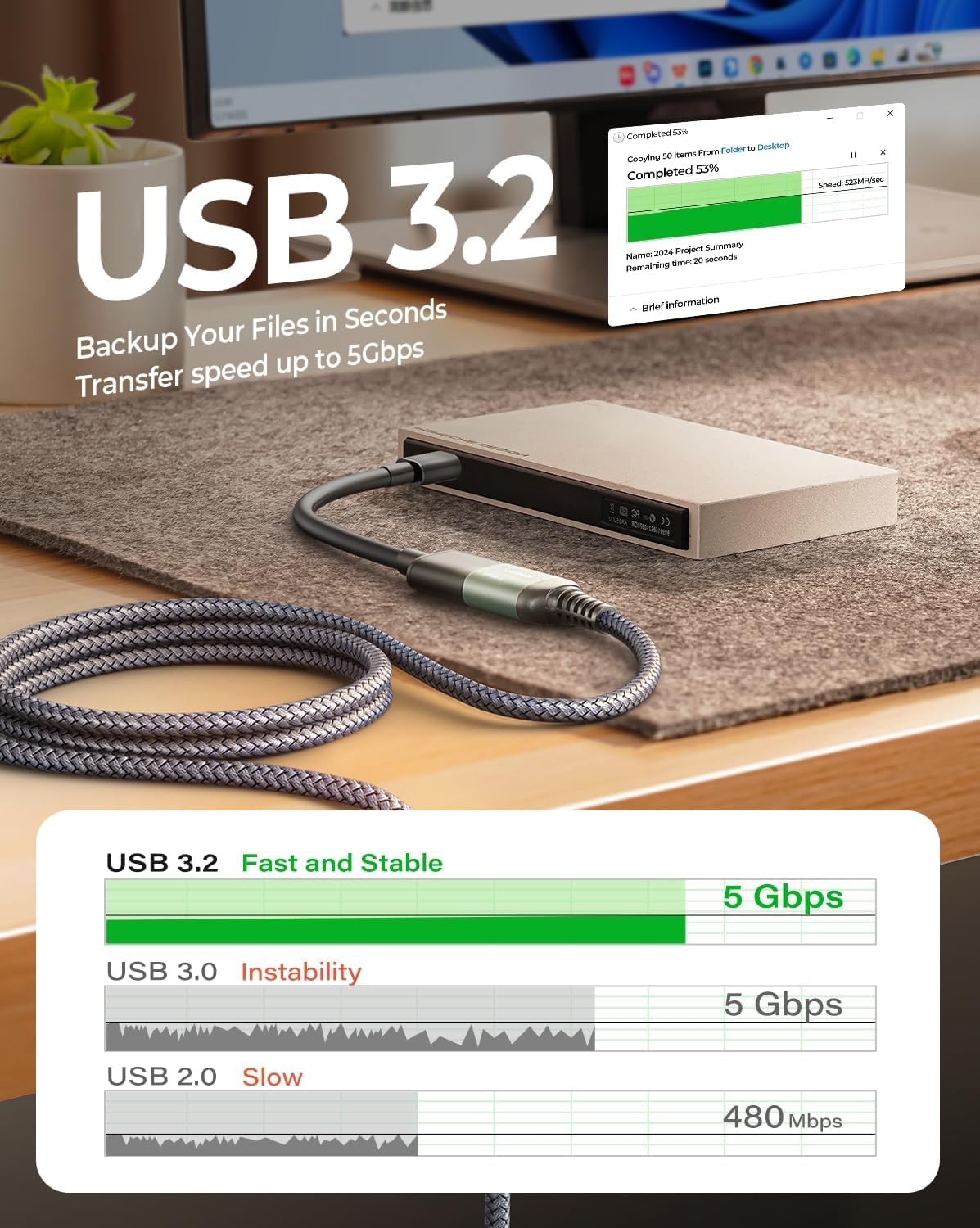
I’ve been using the AINOPE USB 3.0 Extension Cable, 10 feet long, for a few weeks now, and I wanted to share my experience with it. I purchased this cable mainly because I needed a longer reach for my webcam setup and occasionally to connect external devices like hard drives and flash drives to my computer. I didn’t have any high expectations at first, but I was curious to see if it would perform reliably without any interruptions.
The first thing I noticed when I unpacked the cable was the build quality. The cable is coated with a braided nylon material, which gives it a sturdier feel than the usual plastic-covered USB cables. It doesn’t feel flimsy at all, and even when I held it in my hand and bent it in different directions, it seemed well-built. The reinforced SR joint design seems to work, as the ends feel secure and don’t show any signs of weakness. I have used cheaper extension cables before, and they often start to bend or fray near the connector, but this one seems solid so far. Even after several days of handling and plugging/unplugging, it still looks like new.
One of the main reasons I picked this cable was its 10-foot length. In my setup, the USB ports on my computer are not in the most convenient locations. I wanted to be able to sit comfortably on my sofa or move around a bit without feeling restricted by short cables. The 10-foot length gives enough freedom to connect devices without worrying about stretching or disconnecting accidentally. It also made it easier to position my webcam for the right angle without having to move my computer. I’ve also used it to extend the reach of a small USB-powered camera, and it worked fine for that purpose too. Of course, the device needs to be compatible with USB-A, but for most standard peripherals, this cable worked without issues.

In daily use, the cable performed as expected. I tested it with several devices, including a webcam, a USB keyboard, a flash drive, and an external hard drive. The connection stayed stable in all cases. For the webcam, there was no lag or disconnection even during long video calls. Data transfer from the flash drive and hard drive was normal, and I didn’t notice any interruptions. The cable supports USB 3.0, which is noticeably faster than older USB 2.0 cables when transferring larger files. I mostly use it for small files, but when transferring bigger folders, the speed felt consistent and reliable.
Another feature that I appreciated was the charging capability. I occasionally use it to charge smaller devices that rely on USB-A, and it provides enough power to do so without problems. It supports up to 2A, which is sufficient for most small electronics. I wouldn’t rely on it for high-power devices like some tablets, but for everyday peripherals, it works well.
The connectors also seem durable. They are made of metal with an aluminum shell, which gives a more solid feel compared to regular plastic connectors. Plugging and unplugging the devices feels secure, and the connectors don’t wiggle or feel loose. I also like that they are gold-plated, which should help with preventing corrosion and maintaining signal clarity over time. Even after repeated use, the connectors remain in good condition, which is a relief considering how often USB cables can wear out near the ends.
A small detail that I appreciated is the included cable straps. They help keep the cable organized when not in use, which is nice because 10 feet can get tangled if left loose. I used one to wrap the excess length when I didn’t need the full cable, and it worked well. It’s a simple addition, but it shows some thought went into the design.
In terms of flexibility, the cable is easy to move around without kinking or tangling. The nylon braid provides enough flexibility to bend the cable when needed, but it also has enough stiffness to stay in place when positioned. This makes it easy to set up my workspace and move devices without worrying about damaging the cable.
Overall, my experience with the AINOPE 10FT USB 3.0 Extension Cable has been very straightforward and practical. It doesn’t do anything flashy or stand out dramatically, but it performs its function reliably. For anyone who needs extra reach for USB devices, whether it’s a webcam, keyboard, printer, flash drive, or external hard drive, this cable provides a simple and dependable solution. It’s not a product that will change your setup in a big way, but it makes daily use easier and less frustrating than struggling with short cables.
One thing I like about this cable is that it feels consistent. I don’t have to worry about connectivity issues, and I can leave it plugged in for extended periods without it overheating or failing. I also appreciate that it works with older USB standards, including USB 2.0 and 1.1, so it’s compatible with older devices I still occasionally use.
In conclusion, this cable has become a small but useful part of my workspace. It’s reliable, long enough, and well-built, and it handles everyday tasks without any fuss. It doesn’t make a noticeable difference in performance like upgrading a camera or monitor would, but for what it’s designed for—extending USB connections and providing stable data transfer—it gets the job done. It’s the kind of product you don’t think about much until you need it, and once you use it, you appreciate having it around.
5 Replies to “AINOPE USB 3.0 Extension Cable (10FT)”
Comments are closed.
Related Posts
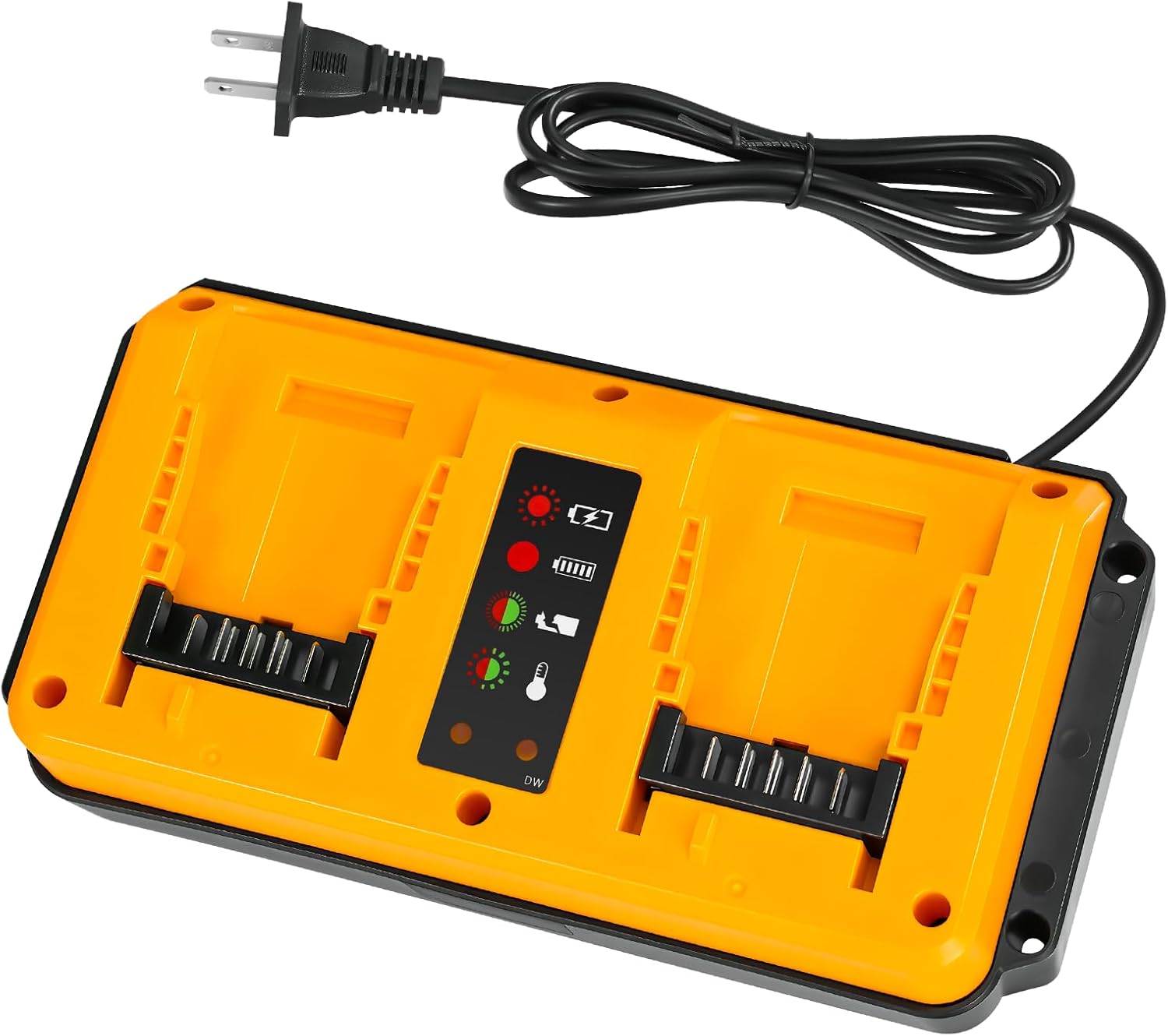
90W Dual Ports for Dewalt 20V Max Battery Charger – Replacement for Dewalt 14.4V/18V/20V Battery Chargers, Compatible with DCB200 DCB201 DCB203 DCB204 DCB206, Fast Charger for Efficient Charging
🔋 Product Review: Dual-Port Fast Charger for Dewalt Batteries…
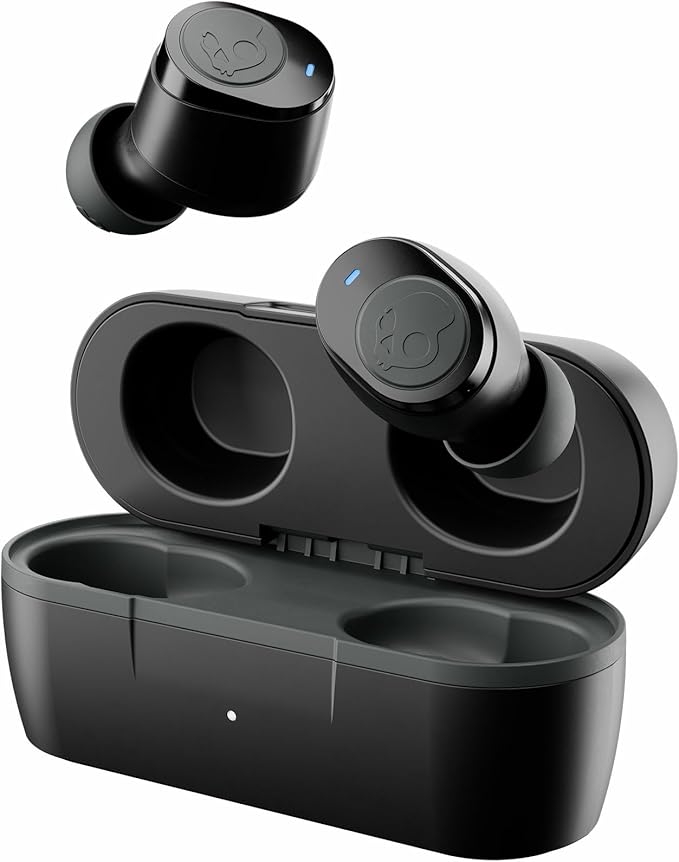
Skullcandy Jib True 2 Wireless Earbuds, Bluetooth Headphones, Up to 33 Hours Battery with Charging Case, Noise Isolating Fit, Sweat and Water Resistant, Microphone for iPhone Android – True Black
Skullcandy continues to deliver audio gear that balances affordability, functionality,…
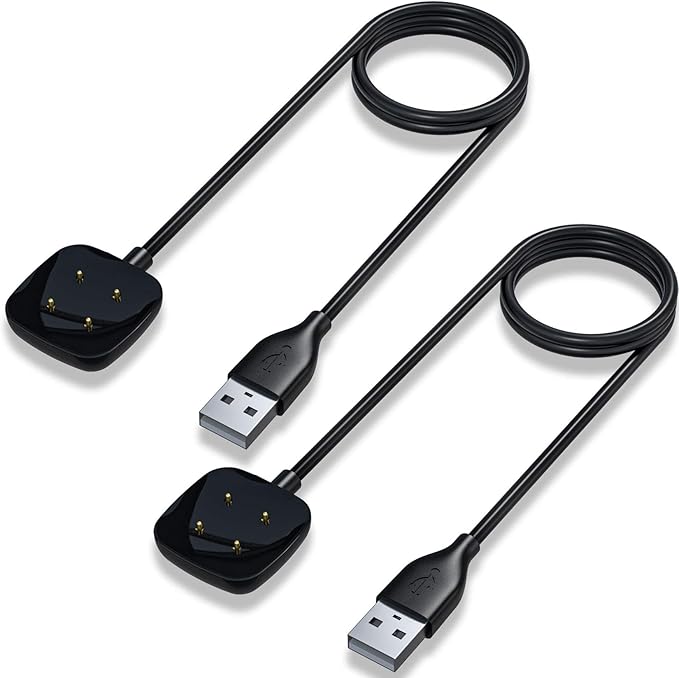
Maledan Compatible with Fitbit Sense & Fitbit Versa 3 Charger Replacement USB Charging Cable Dock Stand for Sense 2/Sense/Versa 4/Versa 3 Smartwatch, 2 Pack 3.3Ft Durable Portable Charger Dock Cord
I’ve been using Fitbit smartwatches for years — from the…
Salut, ech wollt Äre Präis wëssen.
You can access and learn all the details:
https://amzn.to/4orVSXO
Здравейте, исках да знам цената ви.
Dia duit, theastaigh uaim do phraghas a fháil.
Ndewo, achọrọ m ịmara ọnụahịa gị.